# Vectorize.io
# Vectorize.io
[Vectorize](https://vectorize.io/) is a SaaS platform that automates data extraction from [several sources](https://docs.vectorize.io/integrations/source-connectors) and lets you quickly deploy real-time RAG pipelines for your unstructured data. It also includes evaluation to help figure out the best strategies for the RAG system.
Vectorize pipelines natively integrate with Qdrant by converting unstructured data into vector embeddings and storing them in a collection. When a pipeline is running, any new change in the source data is immediately processed, keeping the vector index up-to-date.
## Watch the Video
## Prerequisites
1. A Qdrant instance to connect to. You can get a free cloud instance at [cloud.qdrant.io](https://cloud.qdrant.io/).
2. An account at [Vectorize.io](https://vectorize.io) for building those seamless pipelines.
## Set Up
- From the Vectorize dashboard, click `Vector Databases` -> `New Vector Database Integration` and select Qdrant.
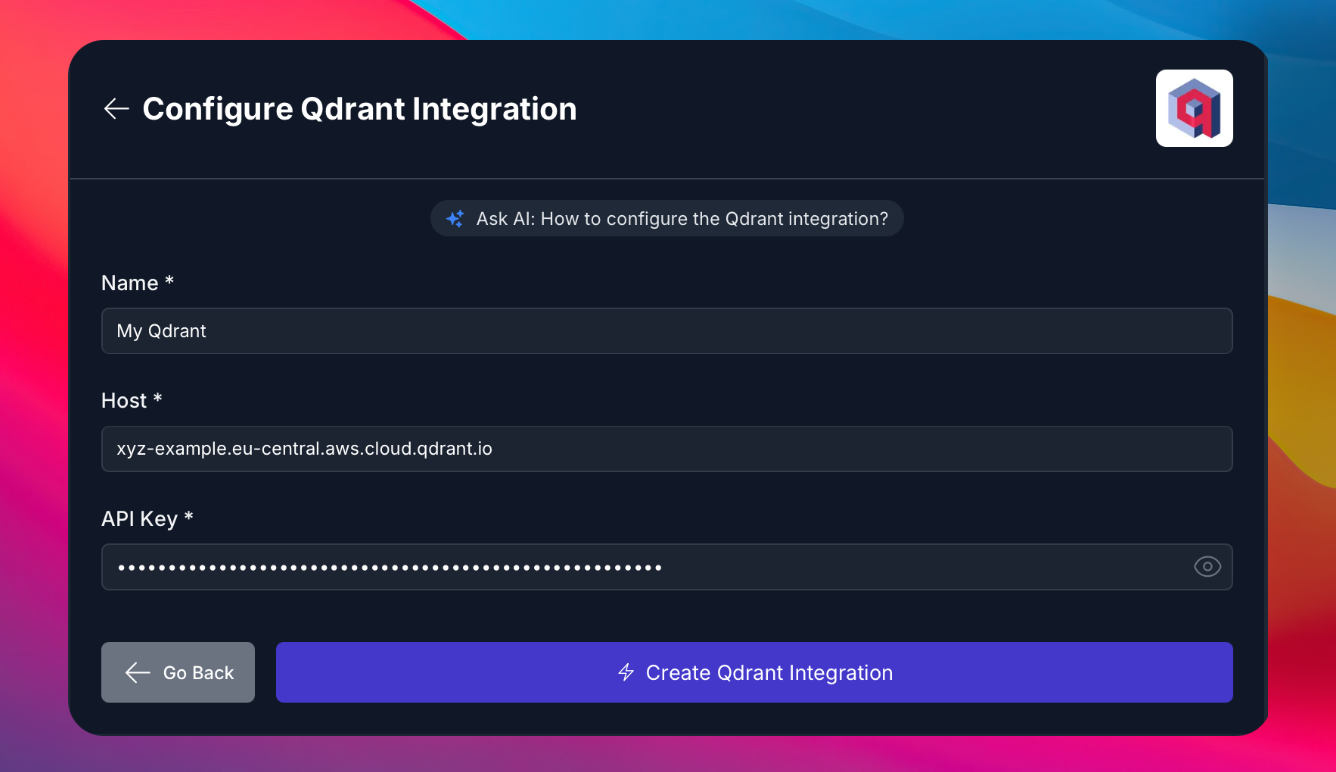
- Set up a connection using the hostname and API key of your Qdrant instance.
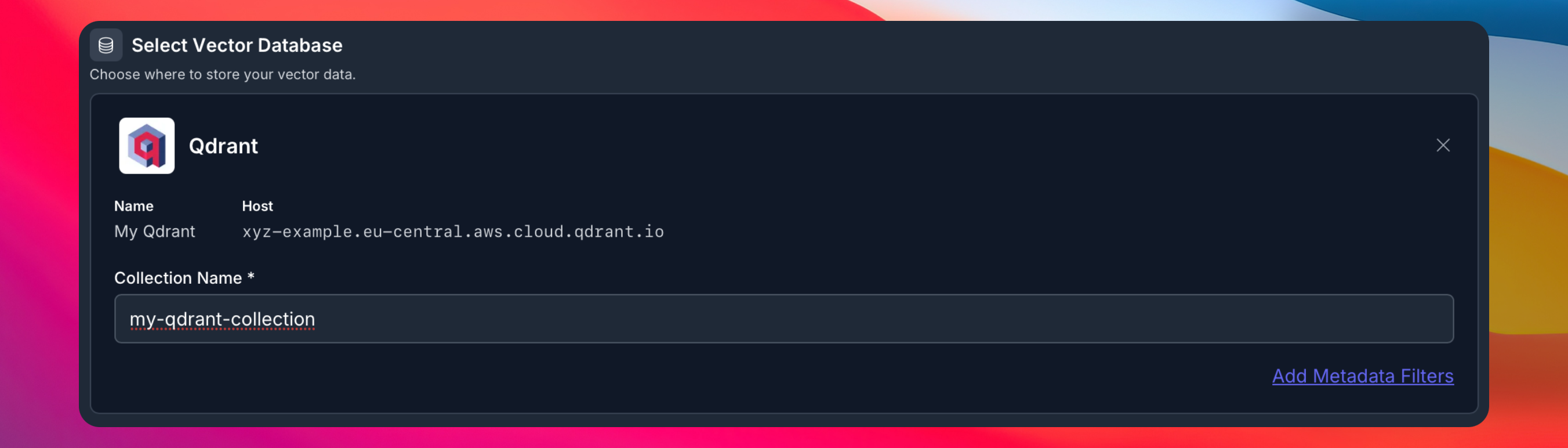
- You can now select this Qdrant instance when setting up a [RAG pipeline](https://docs.vectorize.io/rag-pipelines/creating). Enter the name of the collection to use. It'll be created automatically if it doesn't exist.
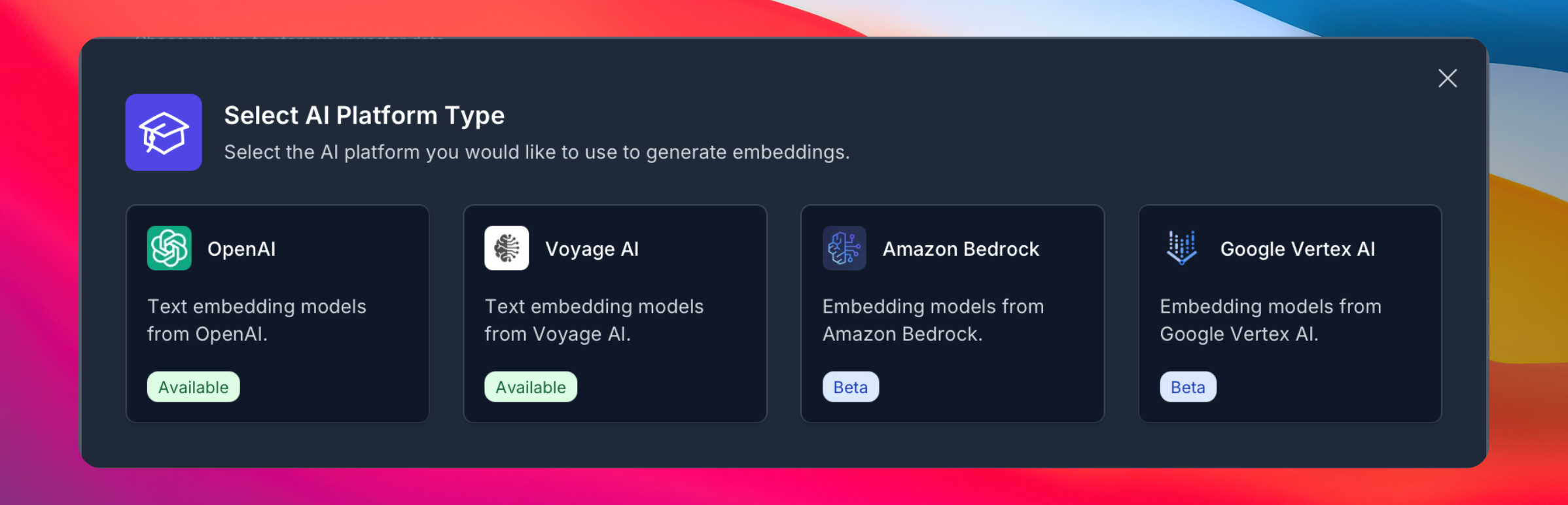
- Select an embeddings provider.
- Select a source from which to ingest data.
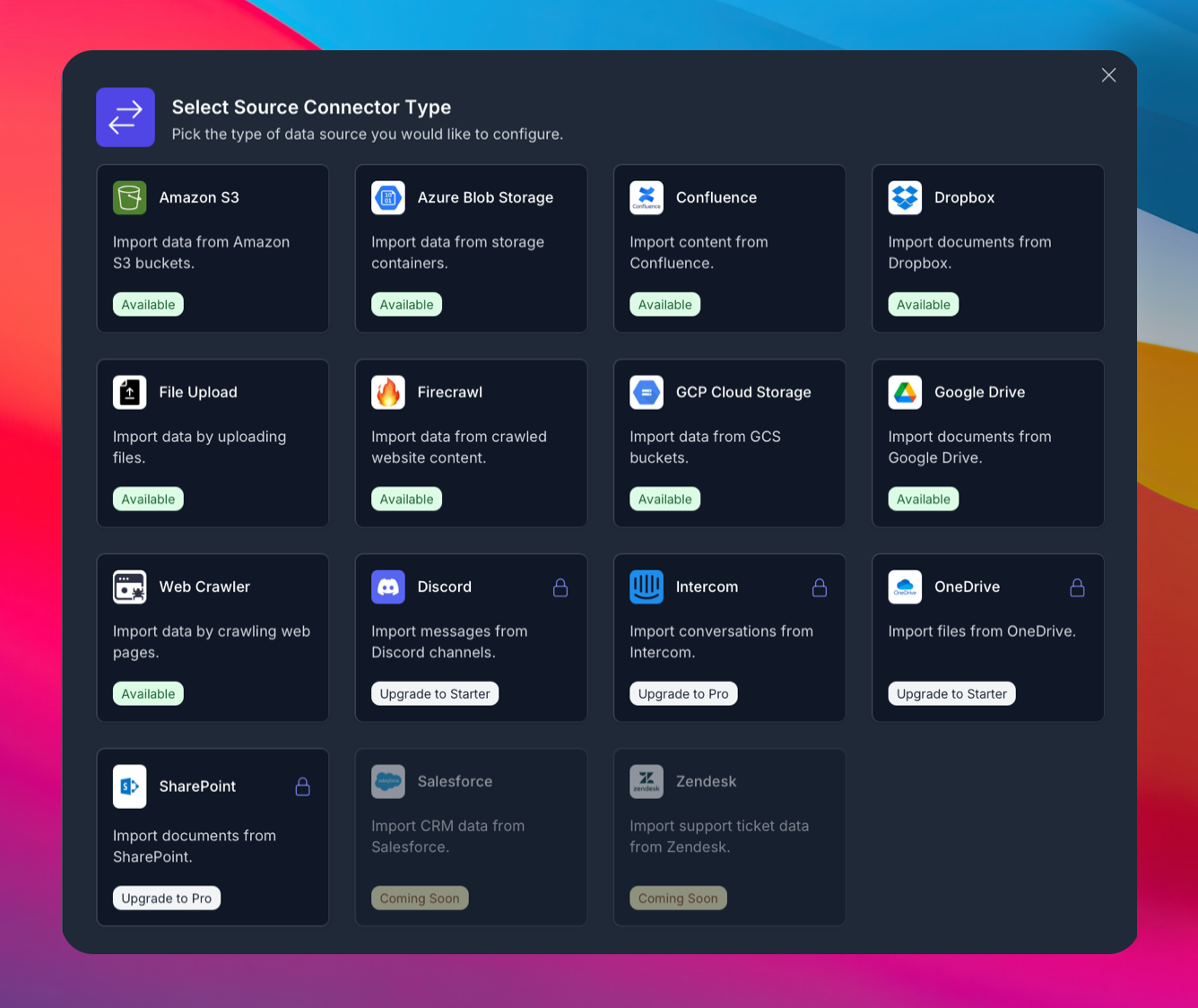
Your Vectorize pipeline powered by Qdrant should now be up and ready to be scheduled and monitored.
## Further Reading
- Vectorize [Documentation](https://docs.vectorize.io)
- Vectorize [Tutorials](https://docs.vectorize.io/tutorials/).