
- Products
- Solutions
- Resources
- Company



QDRANT CLOUD
Production-Ready Resilience, Managed on Qdrant Cloud
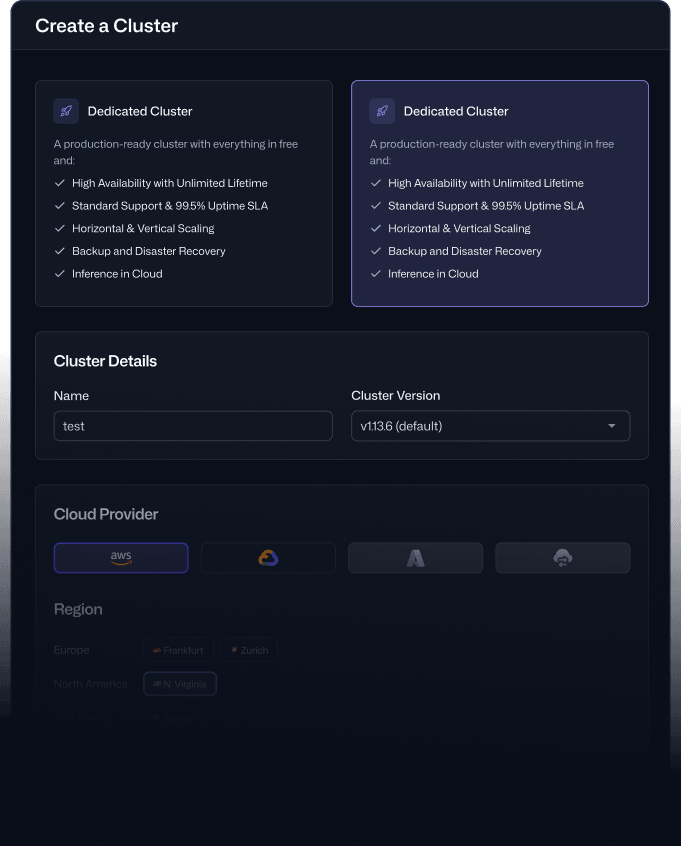
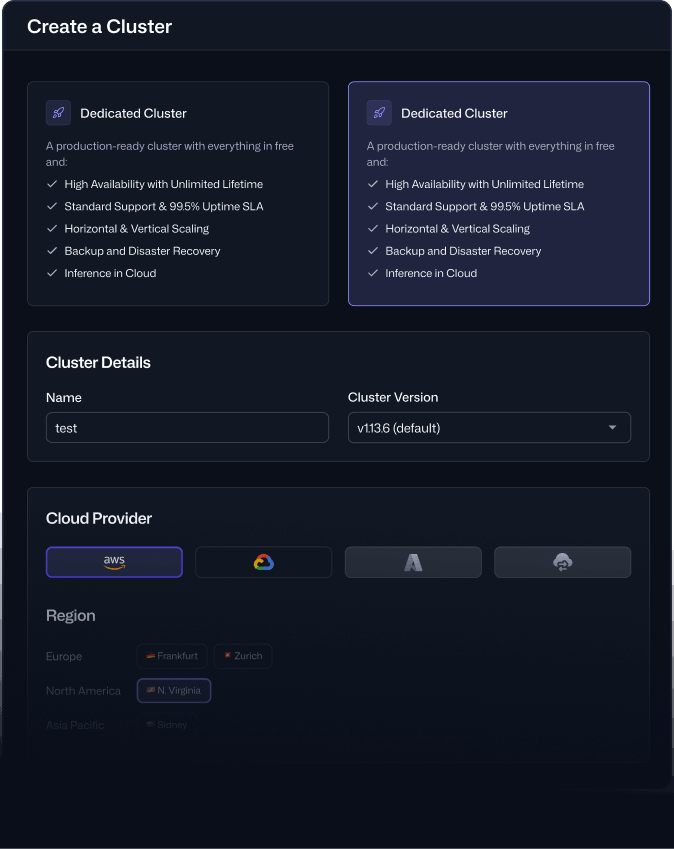
Go from single-node to fully replicated high availability in the Console. Add Multi-AZ on the Premium tier for zone-level resilience and an uptime SLA of up to 99.95%, and the cluster stays available through a full availability-zone outage.
Need four or five nines with contractual guarantees? Talk to our team about Enterprise and Private Cloud.
How Resilience Workson Qdrant Cloud
Run at least 3 nodes with replication factor 2 or higher and the capabilities below apply to your cluster.
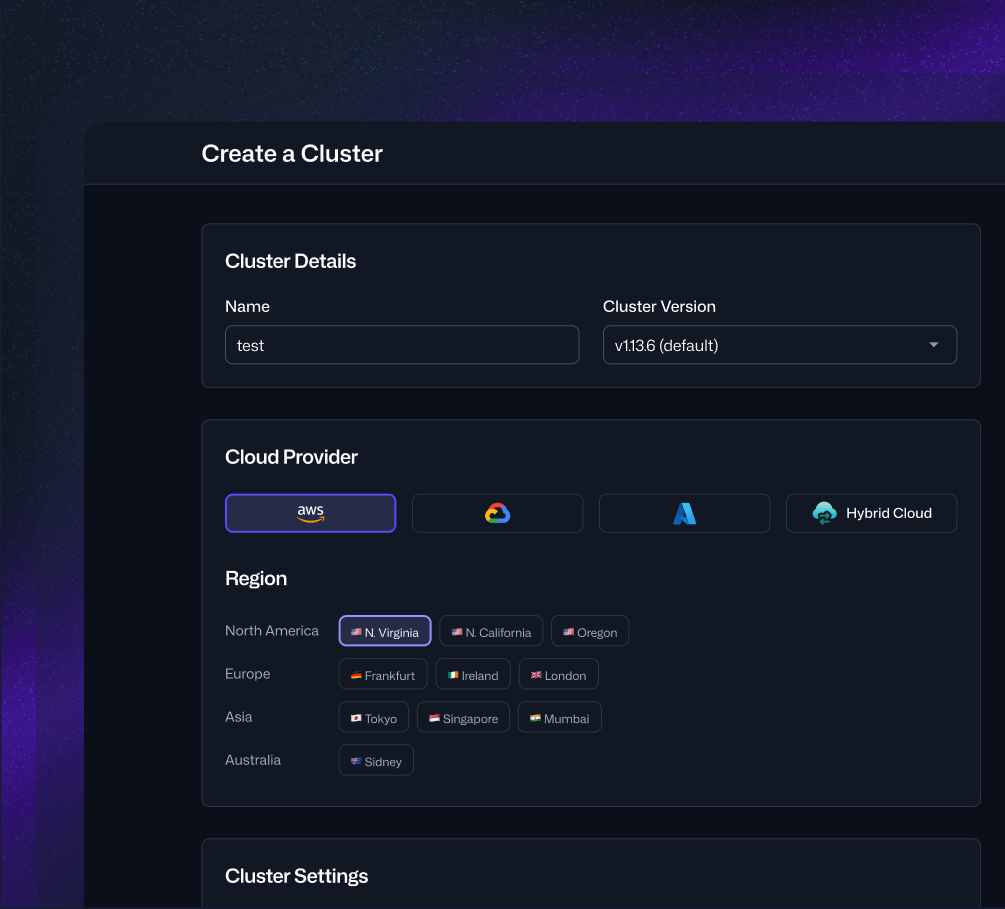
Configure a Replicated Cluster (Docs)
Replication
Equal copies of every shard, kept across your nodes.

Failover
Searches and writes continue when a node goes down.

Rolling Upgrades
Updates move through one node at a time while the rest serve traffic.
You set it, Qdrant runs it. You choose the replication factor, the platform maintains the replicas.
CLUSTER CONFIGURATION
Configure the Right Resilience for Your Workload
Replication and node count give you high availability. Multi-AZ is the zone-resilience upgrade on top, for teams that need to survive a full availability-zone outage. These three properties define your cluster's resilience on Qdrant Cloud:
Replication Factor
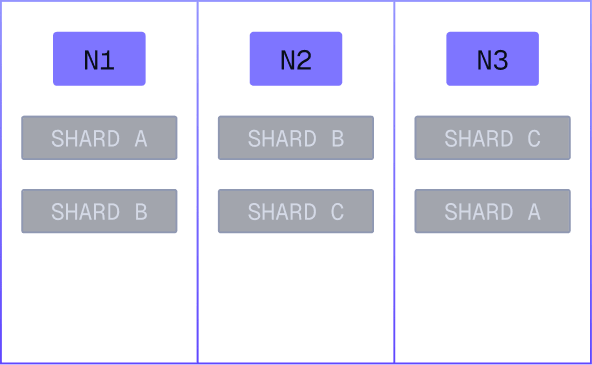
What Qdrant Cloud Does Keeps equal copies of every shard across your nodes
What it Means Searches and writes continue when a node goes down.
Node Count
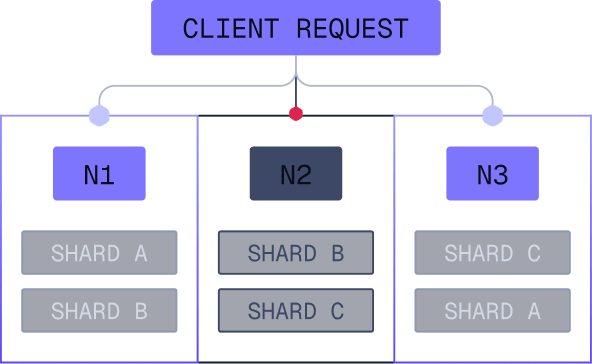
What Qdrant Cloud Does Distributes shard replicas across more nodes.
What it Means More headroom for your cluster to stay healthy.
Multi-AZ
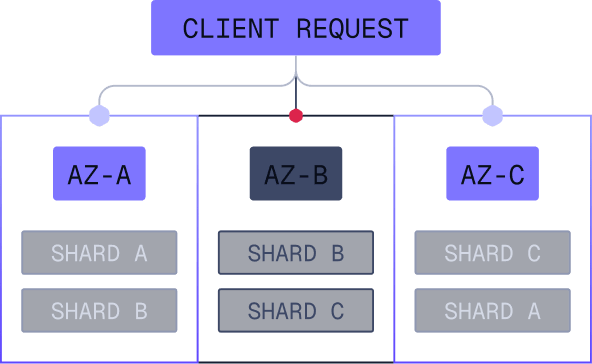
What Qdrant Cloud Does Spreads those nodes across three availability zones.
What it Means Your cluster stays up across a full zone outage.

Multi-AZ
CAPABILITIES
These capabilities apply to replicated collections.
See cluster configuration above for the node count and replication factor requirements.
 ALL REPLICATED CLUSTERS
Automatic Failover
Mechanics Qdrant Cloud runs health checks across nodes and routes around unhealthy nodes, so queries continue from healthy nodes. Every replica is equal, so there is no primary to promote.
Guarantees Qdrant Cloud detects failures and keeps serving traffic from healthy nodes. No client-side changes required.
Set Up a Replicated Cluster (Docs)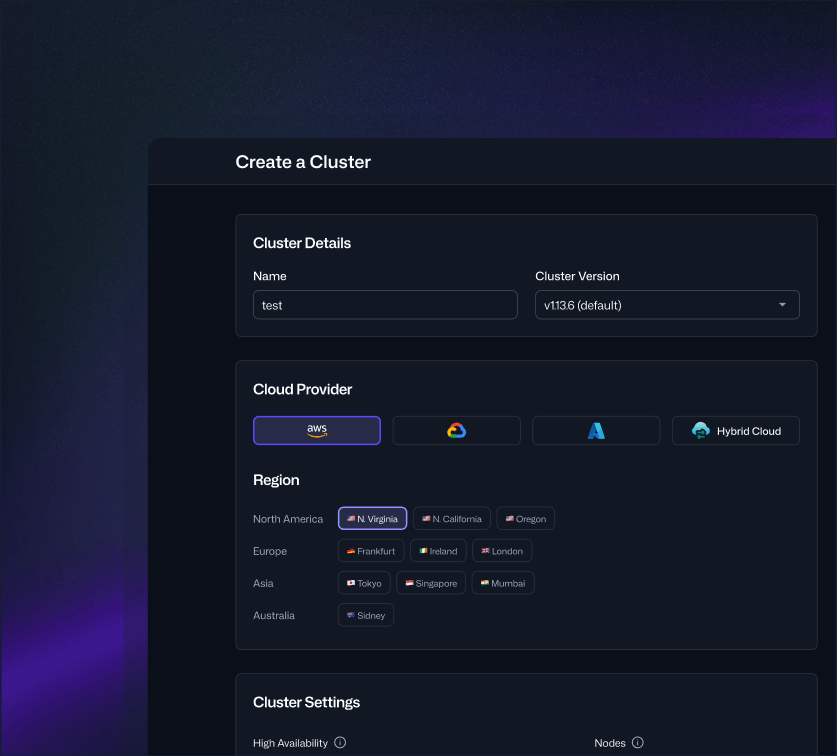
 ALL REPLICATED CLUSTERS
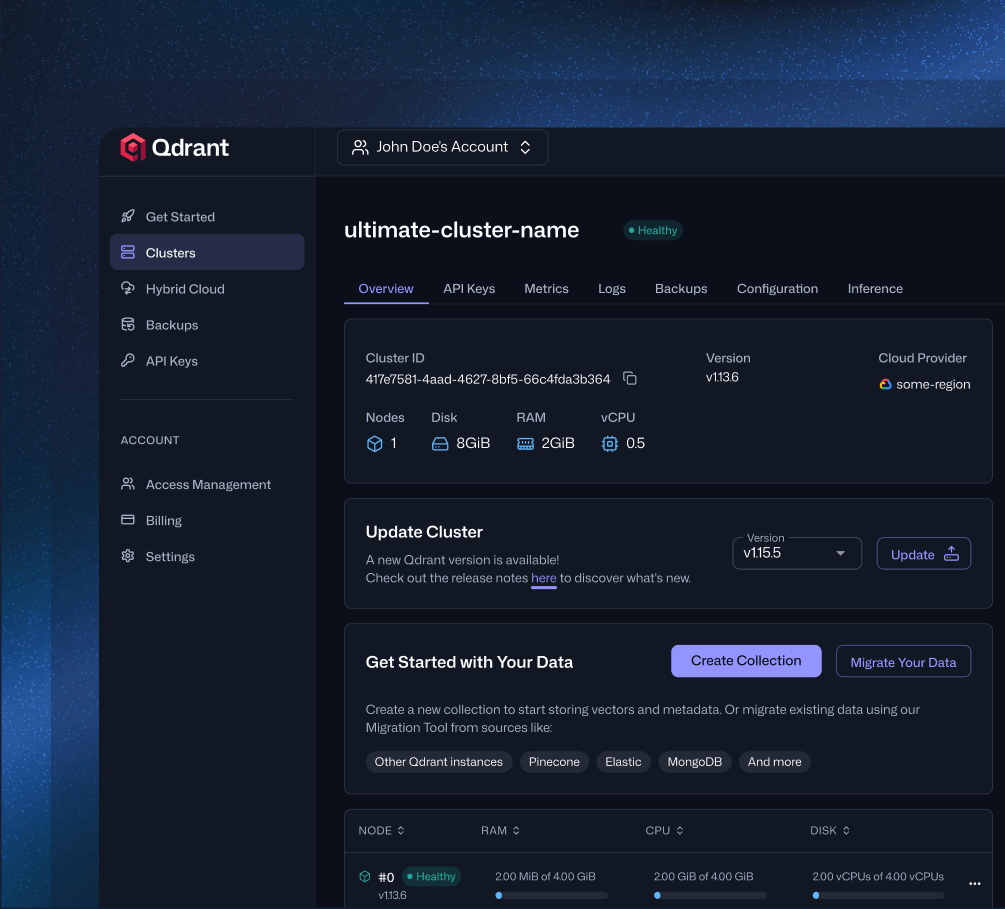
Zero-Downtime Upgrades
Mechanics When a new version is available, you choose when to upgrade. Qdrant Cloud upgrades in a rolling fashion. If you are several versions behind, the required intermediate updates run automatically.
Guarantees Multi-node clusters where all collections have replication factor 2 or higher stay fully available throughout the upgrade.
Update Your Cluster (Docs)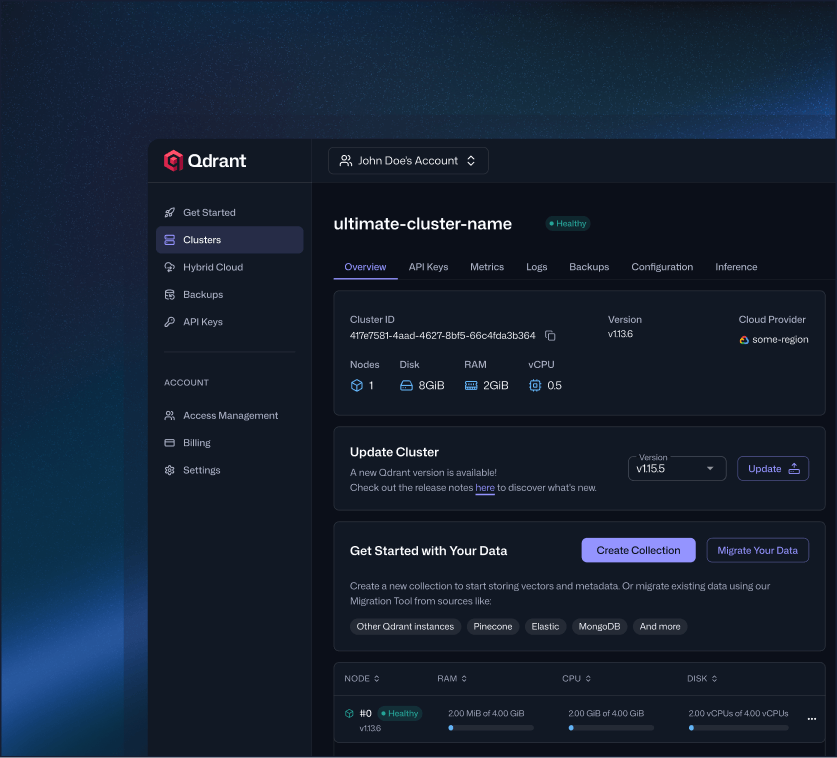
 ALL PAID CLUSTERS
Backups and Disaster Recovery
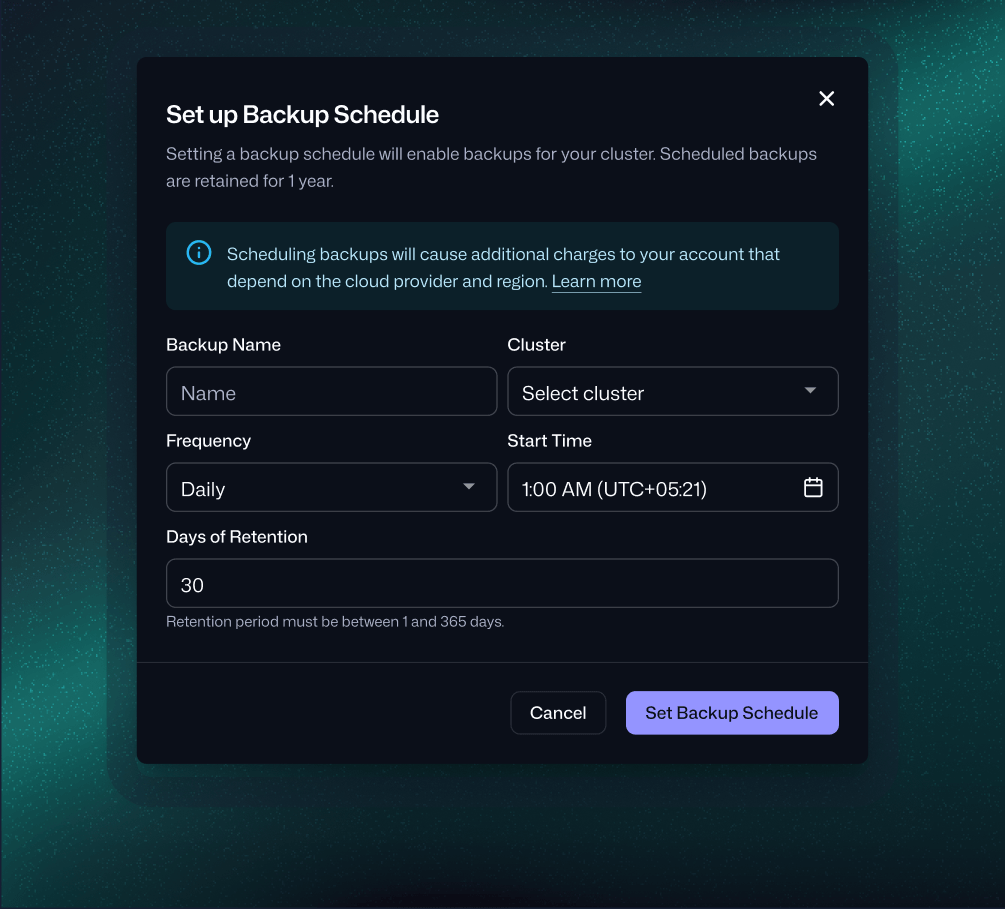
Mechanics Schedule backups, set days of retention, or take an on-demand backup any time. Backups restore into the same cluster or a new one.
Guarantees Restore your cluster to the exact state of any backup within your retention window, including its configuration. No recovery scripts needed, so your team can focus on getting back online.
Back Up Your Cluster (Docs)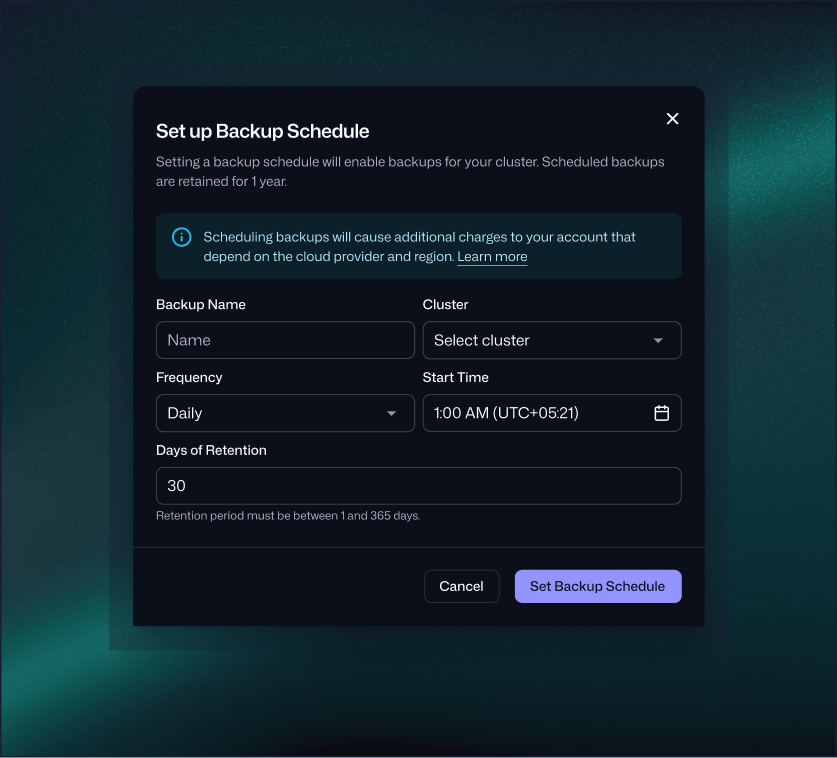
Honest Note Backups protect against data loss; they are not a fast-failover substitute. For low recovery time, run replicated and Multi-AZ. For planned data-center switchovers or full region loss, talk to us about an active-active pattern.
 TIER-DEPENDENT
Engineering Support
Mechanics Premium support covers production incidents 24/7, with severity-based response-time SLAs. Standard covers business hours.
Guarantees Faster response times and around-the-clock coverage on Premium, with SLAs defined per severity level in the Qdrant Cloud SLA.
See Support SLAs PREMIUM-TIER
Multi-AZ Placement
Mechanics Qdrant Cloud places your shard replicas across three availability zones, so each shard has a replica in a different zone. Traffic is routed between zones automatically, so the cluster stays available if one zone goes down. Enable Multi-AZ Deployment when you create the cluster.
Guarantees An uptime SLA of up to 99.95% on the Premium tier with Multi-AZ enabled. Traffic reroutes across zones automatically, with no client-side changes.
Start FreeDEPLOYMENT MODELS
What Resilience You Get on Each Deployment Model
+ on-demand (all paid)
+ on-demand (all paid)
Premium / 99.95%
Premium + Multi-AZ
RESILIENCE IN PRODUCTION
How Teams Maintain Uptime at Scale
Sapu migrated from self-hosted to Qdrant Cloud Premium, indexing 28 million PubMed abstracts in a single collection.
Read the Case Study
FAQs
What's the uptime SLA?
What's the difference between Standard, Premium, and Premium Multi-AZ SLAs?
How is uptime measured?
What if I need a higher SLA than 99.95%?
What happens during a zone failure?
Do I need to change my client code for failover?
Is Multi-AZ the same as failover?
Does a multi-node cluster spread across availability zones automatically?
What do I need to get these resilience capabilities?
How do I enable Multi-AZ?
Can I add Multi-AZ to an existing cluster?
Is Qdrant replication primary/secondary?
Are backups automatic?
Can I restore a backup to a different cluster?
What does a restore actually recover to?
Are upgrades really zero downtime?
Do I control when upgrades happen?
Does my cluster get all of these capabilities, or just some?
How do you handle data residency?
